


Canva is worth considering if you want a broad design workspace for social media graphics, presentations, documents, and branded marketing materials. Adobe Express is a strong alternative if you want quick content creation, access to Adobe's creative ecosystem, and a paid plan without an annual commitment. Both platforms offer free versions, templates, image editing, video tools, and AI-assisted design features.
For many individuals and small businesses, the decision comes down to three questions: What do you create most often? Which premium features will you actually use? And how much are you willing to pay?
This guide compares the available plans, editing features, brand-management tools, social scheduling, licensing restrictions, and practical differences that matter before subscribing.
Canva vs Adobe Express at a Glance
| Feature | Canva | Adobe Express |
|---|---|---|
| Free plan | Available | Available |
| Main individual paid plan | Canva Pro | Adobe Express Premium |
| Paid individual pricing | $144/year, US annual billing | $9.99/month, US monthly billing |
| Free cloud storage | 5 GB | 5 GB |
| Templates | Extensive free and premium collections | Free and premium static and video templates |
| Social media graphics | Yes | Yes |
| Short-form video editing | Yes | Yes |
| AI design tools | Canva AI tools with plan-based allowances | Adobe Firefly-powered and other AI tools with plan-based limits |
| Brand-management tools | Available, with capabilities varying by plan | Available, with capabilities varying by plan |
| Social scheduling | Included on Canva Pro | Available on Free, with expanded accounts on Premium |
| Business collaboration | Canva Business and Enterprise | Adobe Express business plans |
| Adobe application integration | Not its primary workflow | Integration with eligible Adobe applications and assets |
Pricing reflects standard US listings checked on November 6, 2026. Features and subscriptions can vary by account, country, and plan.
Both products can produce professional-looking visual content. Neither guarantees better engagement, higher conversions, or stronger business results simply because you subscribe.
What Is Canva?
Canva is a visual design platform used to create marketing graphics, presentations, documents, short videos, and other digital or print materials.
It combines templates, stock assets, editing tools, and collaboration features in one workspace.
For example, a small business could use Canva to prepare an Instagram post, a presentation for a client, a promotional flyer, and a simple brand guide.
The platform also offers AI-assisted tools for writing, image editing, resizing, and generating design elements.
Its free plan provides access to a substantial collection of templates and design assets, while its paid plans offer additional content, brand tools, AI capacity, and business features.
Canva's current plans include Free, Pro, Business, and Enterprise. Existing Canva Teams subscribers may retain their subscriptions, but Teams is no longer offered for new sign-ups.
The full current plan structure is available on Canva's official pricing page.
Where Canva can fit well
Canva may be a useful option when your work involves several different types of visual content.
A marketing coordinator might create social posts, sales materials, and internal presentations without switching between several specialized applications.
For a blogger, it could provide templates for featured images, Pinterest graphics, and downloadable resources.
For a small team, its broader business plans add brand-management and collaboration controls.
However, those benefits depend on whether you actually need the additional tools.
Someone creating one or two graphics each month may not need a paid Canva subscription.
What Is Adobe Express?
Adobe Express is Adobe's design application for creating and editing social media content, photographs, videos, flyers, presentations, and other visual materials.
It includes templates, Adobe Stock assets, photo and video editing tools, generative AI features, and content scheduling.
Adobe Express is distinct from Photoshop and Illustrator. It is designed to make common content-creation tasks more accessible without requiring the full workflow of those specialized applications.
A freelance creator might use it to prepare a YouTube thumbnail, resize a promotional graphic, add subtitles to a video, or schedule a social post.
Adobe Express has a free plan and a Premium plan, along with additional offerings for businesses, education, and users of other Adobe products.
Its paid individual plan includes more creative assets, brand tools, expanded scheduling, and additional generative AI credits.
See Adobe Express's official pricing and feature comparison.
Where Adobe Express can fit well
Adobe Express may appeal to creators who already use Adobe products or prefer a creative workflow connected with Adobe's tools and assets.
It can also be attractive to individuals who want a paid design subscription with monthly billing rather than a longer commitment.
For users who mainly create social content, its free scheduling capabilities are worth exploring before upgrading.
However, integration with the Adobe ecosystem does not mean every Photoshop, Illustrator, or Premiere feature is included in Adobe Express.
The exact subscription benefits should be checked before purchasing.
Canva vs Adobe Express Pricing: Free and Paid Plans
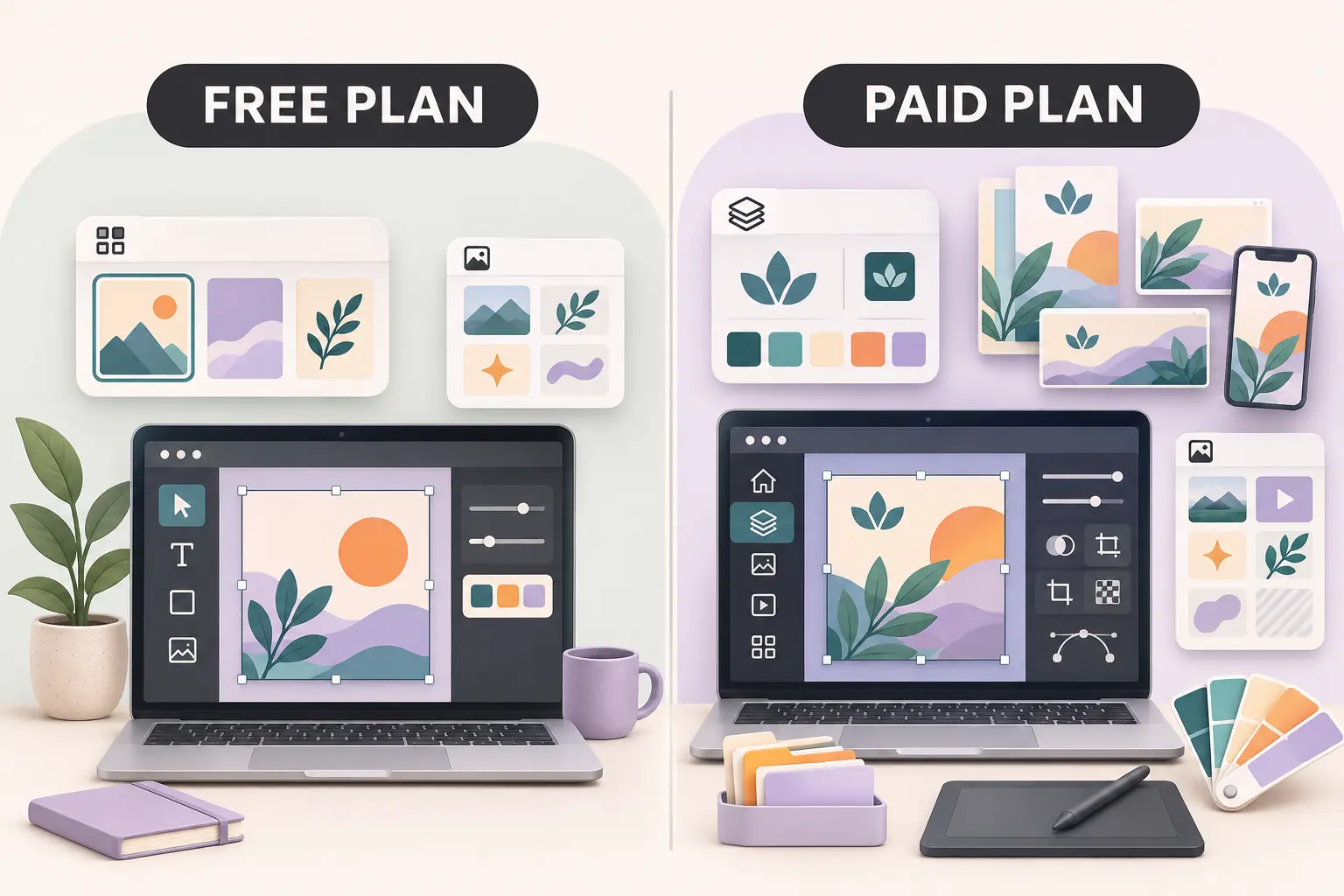
Pricing is an important difference, but comparing only the advertised monthly amount can be misleading.
The two companies offer different subscription structures and feature bundles.
Canva pricing
Canva currently lists the following standard US prices.
| Plan | Listed US price | Main purpose |
|---|---|---|
| Free | $0 | Basic visual content creation |
| Pro | $144/year for one person | Premium assets, brand tools, additional AI features |
| Business | $250/year per person | Expanded branding, collaboration, and business capabilities |
| Enterprise | Custom pricing | Larger organizations |
Canva Pro's annual price works out to the equivalent of $12 per month, but the $144 is charged under annual billing.
That distinction matters. A monthly equivalent is not the same as the amount charged each month under a month-to-month subscription.
Canva's paid plans also differ in how many Brand Kits, business controls, and AI features they provide.
For example, Canva Pro lists five Brand Kits, while Business lists up to 100 and adds team-administration features.
The free plan includes basic design tools, templates, and limited AI access.
The official Canva plan comparison should be checked before upgrading because pricing and included allowances can change.
Adobe Express pricing
Adobe Express currently advertises these US individual options.
| Plan | Listed US price | Main purpose |
|---|---|---|
| Free | $0 | Basic editing, templates, and limited creative tools |
| Premium | $9.99/month | Additional assets, branding, AI, and editing capabilities |
| Additional Adobe bundles | Varies | Broader Adobe creative applications or services |
Adobe Express Premium is advertised without an annual commitment and is billed monthly.
That structure may be useful if you need premium features for only a short project or want flexibility to cancel.
Its Premium listing includes 250 generative credits per month, expanded templates and assets, one-click resizing, brand-management features, and additional social scheduling capacity.
Adobe also offers business subscriptions with separate licensing arrangements.
Prices for team products, promotional periods, and broader Creative Cloud bundles should be checked against the exact offer you intend to purchase.
Which costs less over a year?
For an individual, consider someone keeping a paid subscription continuously for 12 months.
| Cost comparison | Annual spending |
|---|---|
| Canva Pro, annual billing | $144.00 |
| Adobe Express Premium, 12 months at $9.99 | $119.88 |
| Difference | $24.12 |
These are simple calculations based on the listed US prices, before applicable taxes or other purchases.
Adobe Express Premium costs $24.12 less over the illustrated 12-month period.
However, that does not establish that Adobe Express provides greater value.
The subscriptions do not contain identical creative assets, AI allowances, or workflow features.
A creator who needs a Canva-specific feature might reasonably pay the difference.
Someone who prefers Adobe's workflow may not benefit from paying more for Canva Pro.
What about small teams?
Team pricing requires a separate comparison.
Canva Business lists $250 per year per person under its annual billing structure.
For a hypothetical team of three people, that would equal $750 annually before taxes and optional services.
Adobe's team subscriptions have different seat requirements, promotions, and renewal conditions.
It would be misleading to compare a temporary first-year Adobe promotion with Canva's standard annual rate as though both prices applied permanently.
When evaluating team software, check the number of licenses required, renewal pricing, brand approvals, asset ownership, and administrative controls.
The least expensive plan is not necessarily the least expensive workflow to operate.
Which Free Plan Is Better?
Both free plans provide useful creative capabilities, so many readers should try them before paying.
What Canva Free includes
Canva Free offers a drag-and-drop editor, a broad selection of design types, templates, graphics, and basic editing features.
It also provides limited AI tools and 5 GB of cloud storage.
Users can create common content such as social graphics, posters, presentation slides, and other visual materials without committing to a paid subscription.
However, some templates, media assets, AI usage, and advanced editing tools require a paid plan.
If your design relies on premium content, confirm the licensing or upgrade options before downloading or distributing it.
What Adobe Express Free includes
Adobe Express Free provides templates, stock assets, basic photo and video editing, and 5 GB of cloud storage.
It also includes content scheduling for one account per supported social network under the documented free-plan conditions.
This is a particularly important difference to check.
Someone who only needs to design and schedule social posts may be able to use Adobe Express without upgrading.
The free plan also has limits on premium assets, certain editing features, AI access, and other capabilities.
When you should stay on a free plan
A free plan is often sufficient when:
- You create occasional graphics using free assets.
- You do not need advanced brand controls.
- You can complete edits without premium background removal, resizing, or AI tools.
- Your current scheduling requirements fit the available limits.
- You can work within the available storage and export options.
Before subscribing, create a complete sample project using the free plan.
If you can finish and export the work without repeatedly encountering restrictions, there may be little reason to upgrade.
Templates, Graphics, and Everyday Design
Both platforms offer templates, but template quantity alone does not determine whether a design tool is useful.
A creator making restaurant menus needs a different set of designs from someone producing presentation slides or YouTube thumbnails.
Designing social media graphics
Canva provides many layouts and tools for Instagram graphics, social posts, banners, and campaign materials.
Adobe Express also supports these formats and includes tools for editing images, creating branded content, and scheduling posts.
The most practical comparison is whether each tool contains layouts that match your audience and publishing format.
For example, a small retailer may need square product announcements, vertical stories, and promotional flyers.
Instead of comparing millions of available assets, try building those three formats in each platform.
Assess whether text remains readable, images fit the layout, and the final exports meet the publishing platform's requirements.
Presentations and business documents
Canva offers presentations, documents, whiteboards, and other formats within its broader visual workspace.
That makes it relevant for people whose design responsibilities extend beyond social media.
Adobe Express also provides presentation creation and document-related tools.
However, users working with complex business presentations should test imported content, chart handling, fonts, and editing requirements before replacing their existing workflow.
A template that looks attractive is not automatically suitable for a document containing technical information or frequently updated data.
Branding and reusable designs
Brand consistency is a common reason to consider a paid plan.
A business may need approved colors, fonts, logos, and layouts across many pieces of content.
Canva Pro and Business include Brand Kits, with broader controls on higher tiers.
Adobe Express Premium also includes brand-management tools.
For an individual creator, either platform may offer sufficient functionality to maintain a basic brand identity.
For an agency with several clients, the important issues become how many brands can be managed, who can change approved assets, and how templates are shared.
If you're developing a broader identity rather than just choosing design software, Spread Thoughts has a guide to building a recognizable brand for bloggers and designers.
Which Is Better for AI Design Tools?
Canva and Adobe Express both include generative AI features, but they measure access differently.
That makes it difficult to compare them by counting credits alone.
Canva AI
Canva offers AI-assisted tools for design creation, writing, image editing, and related tasks.
Its paid plans expand access to AI features, although allowances and fair-use conditions vary.
Canva Pro's published pricing describes substantially higher AI usage access than the free plan.
Some specialized AI functionality may require additional purchases or an eligible add-on.
A user should check whether the specific feature they want is included rather than assuming that every AI capability is unlimited.
Adobe Express AI
Adobe Express provides generative AI features associated with Adobe Firefly and other creative tools.
Its Premium plan includes 250 generative credits per month under the reviewed listing.
Adobe describes various Firefly-powered capabilities as designed for commercially safe use.
However, a statement about commercial safety does not eliminate the need to review licensing, third-party rights, or the terms of any partner models.
AI-generated material can also contain visual errors, misleading details, or results unsuitable for a brand.
A useful comparison method
Choose a representative task that matters to your work.
For example, imagine creating a promotional image for a fictional coffee shop.
Your evaluation should consider whether each tool can produce an appropriate layout, make the necessary edits, and export a suitable finished graphic.
Also consider whether you can repeat that workflow within the available AI allowance.
Do not assume that 250 Adobe credits equal a specific number of Canva uses. The providers calculate usage differently, and individual features can consume different amounts.
The quality of the result should be judged through actual output, not marketing claims about the number of AI tools available.
Social Media Scheduling and Video Editing
For social media managers, the ability to prepare content and publish it can matter as much as the design editor.
Does Canva schedule social media posts?
Yes. Canva Pro includes social content scheduling through its Content Planner tools.
This allows eligible users to prepare and schedule supported social media content without manually publishing every post.
Available channels and publishing conditions may change.
Check whether the particular social account and post format you need are supported.
Does Adobe Express schedule posts?
Yes. Adobe Express includes Content Scheduler, and its Free plan supports a documented level of scheduling.
According to Adobe's Content Scheduler documentation, the Free plan supports one account per eligible social network, while Premium expands the number of connected accounts.
The scheduling documentation also describes publishing capabilities for multiple social platforms.
Those capabilities can depend on the social network's account type and integration requirements.
For example, automatic Instagram publishing has specific account requirements involving professional accounts and linked Facebook Pages.
This means the platform's feature list should be checked against your actual publishing setup.
What about short-form video?
Both applications support creating and editing short visual content.
Canva includes video editing, animation, and template-based design features.
Adobe Express provides video editing tools, including features for captions, resizing, and other production tasks.
A creator making simple social clips may find either application sufficient.
However, complex color grading, detailed audio mixing, or advanced professional editing may require specialized video software.
Neither should automatically be treated as a complete replacement for every professional editing application.
Can You Use Canva and Adobe Express for Commercial Projects?
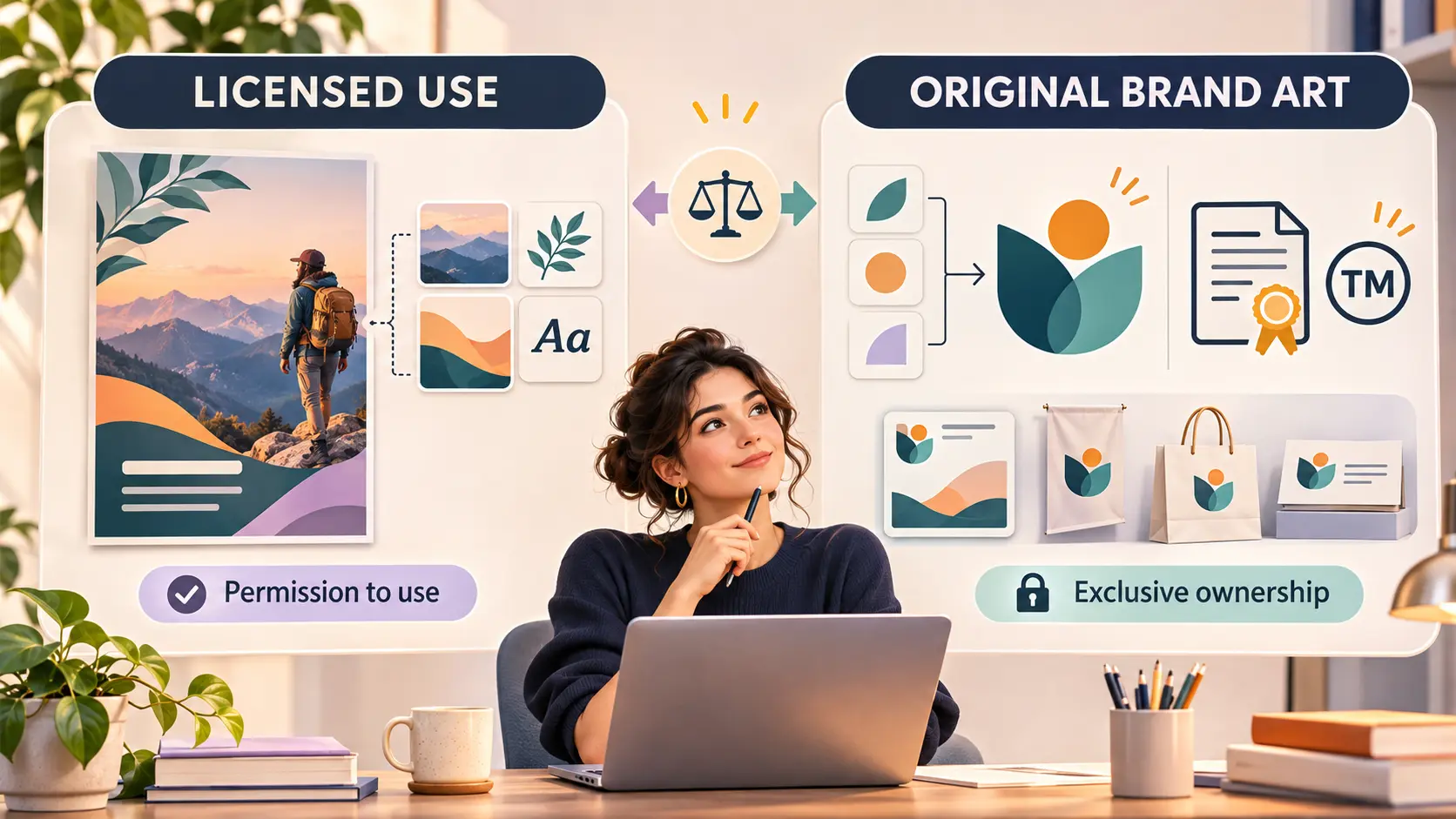
Yes, both products support commercial creative work within their applicable licenses.
However, the exact rights depend on the asset, the design, and how the finished material is used.
This is especially important for freelancers, small businesses, online sellers, and anyone creating logos or products for customers.
Canva licensing considerations
Canva allows its content to be incorporated into many personal and commercial designs.
But that does not mean users own exclusive rights to stock photos, graphics, or other assets supplied through its library.
Canva's licensing guidance places restrictions on standalone resale and certain template uses.
Its stock elements are generally licensed on a non-exclusive basis.
As a result, a business should not assume that an existing stock graphic or logo template can become an exclusively protected trademark.
Canva's licensing explanation explains these distinctions.
Adobe Express licensing considerations
Adobe Express includes Adobe Stock material under applicable licensing terms.
Certain stock assets can be incorporated into finished designs and used outside the application.
However, Adobe's Limited License for Express restricts exporting or sharing the covered stock asset as a standalone file.
It also places conditions on particular merchandise and template uses.
Adobe describes these restrictions in its Adobe Express Stock licensing guidance.
Users should review the rights attached to the actual assets they intend to distribute.
What should a small business check?
Suppose you're creating an original logo for a new clothing brand.
You may need a design that can be used commercially, registered where appropriate, and distinguished from competitors' branding.
A shared stock illustration may not satisfy those requirements.
The safer approach is to use genuinely original assets and obtain suitable rights to the final logo.
For ordinary social media designs, stock assets may be appropriate under the applicable license.
For merchandise, resale templates, or exclusive branding, the restrictions deserve more attention.
A paid plan expands access to tools and assets; it does not automatically grant unrestricted ownership of everything in the library.
Can You Move Designs Between Canva and Adobe Express?
Moving projects between platforms requires more planning than downloading a finished image.
A JPEG or PNG preserves the visual result, but it generally does not preserve the original editable structure of a design.
Some other formats can retain more information, but imported projects may still need adjustment.
Moving a Canva project to Adobe Express
Adobe Express supports importing files from other applications.
Its documentation lists formats such as PDF, PowerPoint, Photoshop, and Illustrator files.
For example, a Canva presentation exported in a suitable supported format may be imported into Adobe Express.
However, the transfer may not preserve every font, animation, template element, or editing relationship exactly.
The Adobe Express import guide provides its documented import workflow and supported formats.
Moving away from Adobe Express
If you plan to use your Adobe Express work elsewhere, download suitable finished files and preserve original source assets that you own or are licensed to retain.
Do not assume that a file exported as PDF or an image will open with fully editable layers in another platform.
You should also check the licensing restrictions that apply to embedded Adobe Stock elements.
The most reliable approach is to test a representative design before migrating an entire content library.
Practical switching checklist
- Identify which finished graphics must remain editable.
- Export a small sample in suitable supported formats.
- Check fonts, colors, layouts, and image quality after import.
- Confirm that brand assets and stock-content licenses allow the intended use.
- Preserve a separate copy of original uploads and important source files.
- Rebuild any unsupported animations, layouts, or interactive elements.
- Verify shared links and access for clients or team members.
- Keep the old subscription active only as long as needed to complete and verify the transition.
These steps are particularly important when a business has months or years of templates and client work stored in one platform.
Which Should You Choose for Your Work?
The most useful comparison is based on real production needs.
| Your situation | Sensible starting point | What to verify |
|---|---|---|
| Occasional graphics for personal projects | Either free plan | Available templates and export limitations |
| Solo creator producing several content formats | Canva Free or Pro | Premium tools, brand features, and annual cost |
| Creator who prefers Adobe workflows | Adobe Express | Existing subscription benefits and integration |
| Social manager needing limited free scheduling | Adobe Express Free | Supported channels and account limits |
| Freelancer creating content for different clients | Compare paid plans | Brand Kits, licenses, collaboration, and asset portability |
| Small team with brand approval needs | Canva Business or Adobe team offerings | Seat costs, permissions, and renewal terms |
| Seller creating merchandise or logos | Either, with licensing review | Asset exclusivity and commercial-use restrictions |
For beginners
Start with the free versions.
Create one complete design in each platform, including text, images, layout adjustments, and export.
Pay attention to whether the editing process makes sense to you.
There is little value in upgrading to a product whose workflow you find difficult or unnecessary.
For freelancers
Think about how many brands you manage, whether clients need editable deliverables, and what rights you must transfer.
The ideal platform will support your work beyond the point of creating an attractive image.
It should also make it practical to revise designs, maintain consistent branding, and deliver usable files.
For small businesses
Consider the number of people creating content, whether designs need approval, and how often you produce promotional materials.
A business with one occasional content creator has different requirements from a team creating campaigns every day.
Team subscriptions may become worthwhile when collaboration, brand control, and workflow improvements justify the recurring cost.
A Simple Decision Test Before You Pay
Before selecting either subscription, choose three tasks from your regular work.
For a small business, those might be:
- Create a product announcement for Instagram.
- Produce a promotional flyer using approved brand colors.
- Prepare a short video or presentation for an upcoming campaign.
Complete those tasks using the available free tools.
Then answer four questions:
Could you finish the work without upgrading? If yes, the free plan may already be sufficient.
Did a premium feature solve an actual problem? Background removal, resizing, brand management, or scheduling may be worthwhile if they are used regularly.
Would the work remain manageable as your content needs grow? Consider your future file library, collaborators, and required editing formats.
Can you justify the subscription cost? Compare the total annual spending with the genuine usefulness of the features, not just the number of premium assets advertised.
A good purchase decision is based on the work you need to complete.
Frequently Asked Questions
1. Is Adobe Express completely free?
Adobe Express has a free plan with templates, basic editing tools, limited creative assets, and supported social scheduling. Some advanced tools and premium assets require a paid subscription.
2. Is Canva Pro worth paying for?
It can be worth the cost if you regularly use premium assets, brand-management features, resizing tools, or other Pro capabilities. The free plan may be sufficient for simpler projects.
3. Which is cheaper, Canva Pro or Adobe Express Premium?
Under the checked US prices, Canva Pro costs $144 per year with annual billing, while Adobe Express Premium costs $9.99 per month. Over 12 months, the Adobe subscription totals $119.88 before taxes.
4. Does Adobe Express have a background remover?
Yes. Adobe Express offers background-removal capabilities, but access and limitations can depend on the specific editing feature and subscription.
5. Can both platforms make YouTube thumbnails and social media posts?
Yes. Both provide tools and templates for common social media graphics, including YouTube thumbnails, social posts, and other promotional formats.
6. Can you use their designs for business?
Yes, within the applicable licensing terms. However, stock-content restrictions, trademark requirements, and rules for merchandise or downloadable products need to be reviewed.
Final Verdict
Canva and Adobe Express are both capable options for creating marketing and social media content.
Canva is worth evaluating if you need a broad design workspace with templates, brand tools, presentations, and business-oriented workflows. Adobe Express is particularly relevant if you want Adobe-connected creative tools, a flexible monthly Premium subscription, or free social scheduling within its documented limits.
Neither platform automatically produces better designs or higher-performing campaigns.
Start with your actual content requirements, test the free offerings, and upgrade only when a paid feature solves a problem that matters to your work.
For most readers, that approach is more reliable than choosing a design platform based solely on price or the size of its template library.


